Time & materialEvery hour.
Every hour.
A clear story.
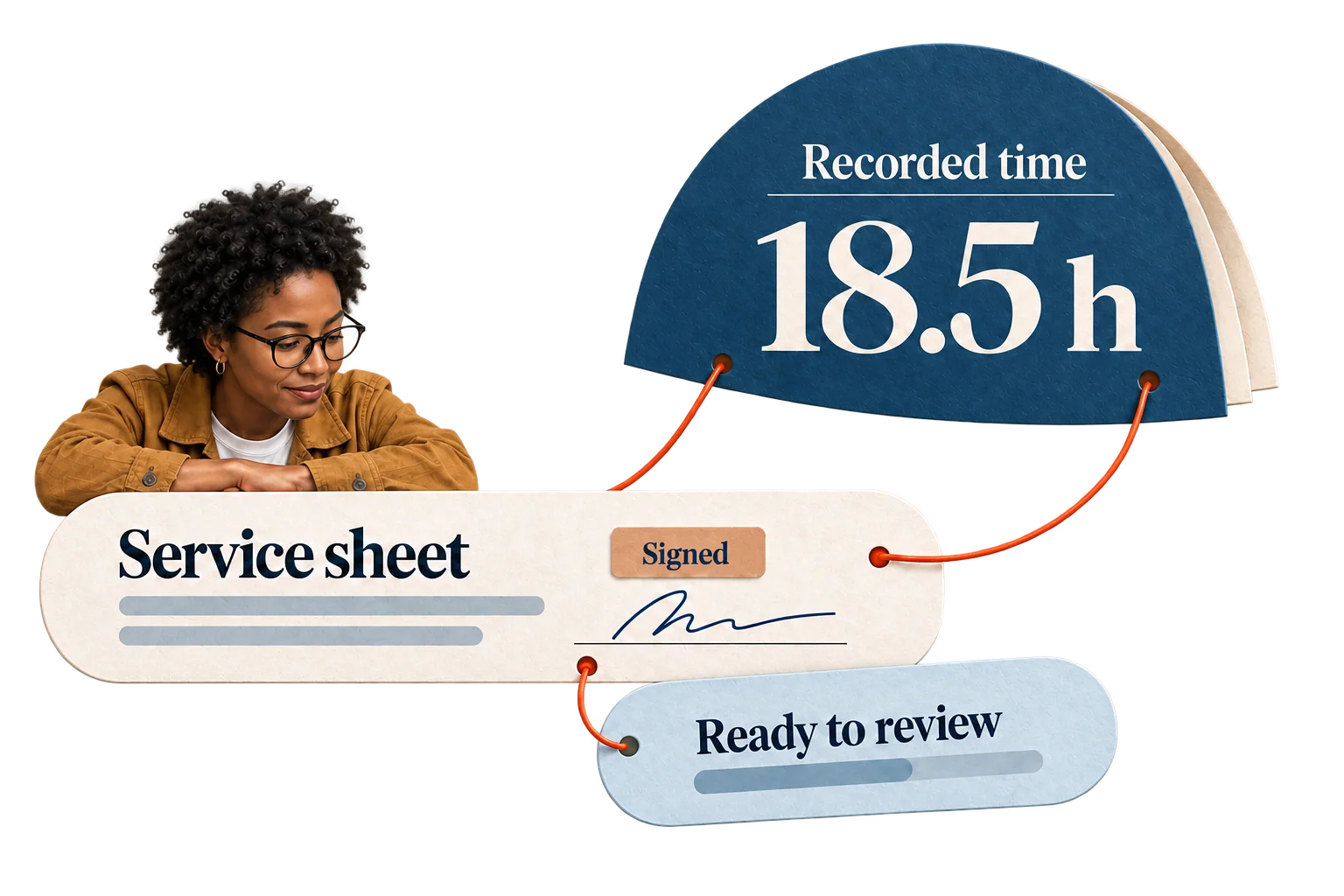
Connect recorded time to people, rates, purchase orders, and signed service sheets. See what is ready to bill and what needs attention.
01 / Scope & orders
Know what the order covers.
Connect work to the purchase-order line that funds it. Keep rates, dates, value limits, and the original PDF together.
02 / Time & people
Bring recorded work into view.
Connect existing time sources or create a source project during setup. Sync sources from the same account. Source time stays unchanged; missing mappings, rates, and order limits stay visible.
03 / Work & evidence
Keep the supporting records.
Link signed service sheets to their recorded time and invoices. Evidence already used for billing stays protected.
04 / Time & value
Review the time. Prepare the draft.
Bill available time or selected minutes; keep the rest for later. Each invoice draft covers one order. Send it through the connected billing system, or reconcile existing PDFs independently.